Connecting to HCC OnDemand
To access HCC’s instance of Open OnDemand, use one of the following links.
- For Swan, visit: https://swan-ood.unl.edu
Log in with your HCC username, password, and Duo credentials.
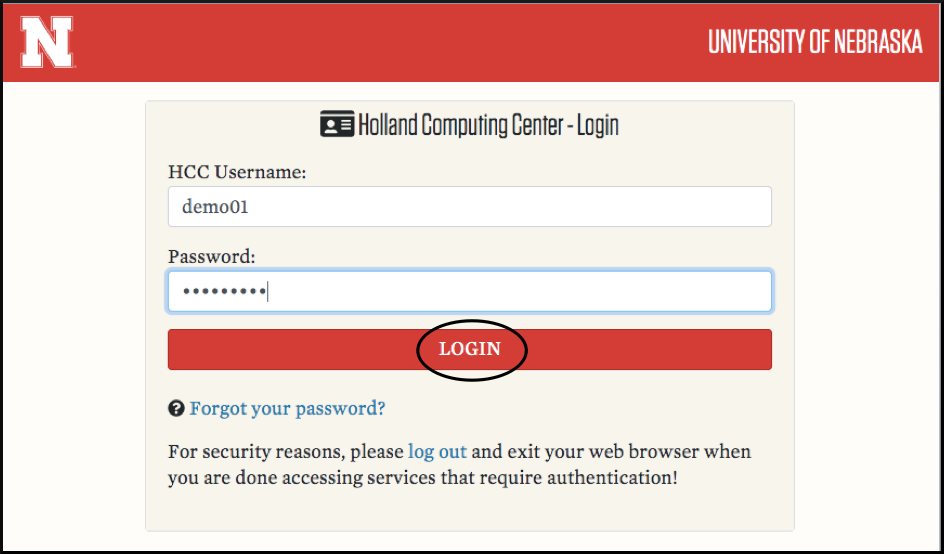
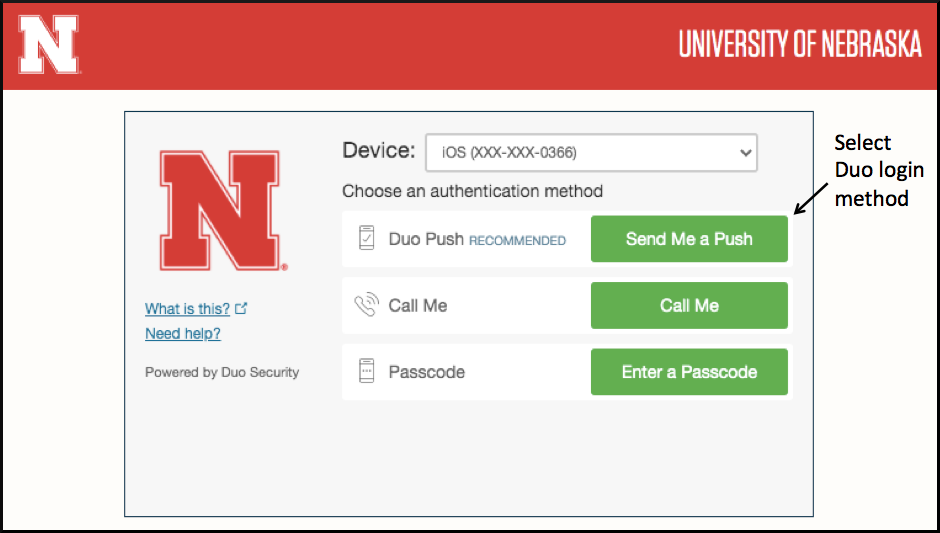
Once you have successfully logged in, you will be directed to your OnDemand dashboard which displays the Message of the Day and the menu bar at the top of the window.
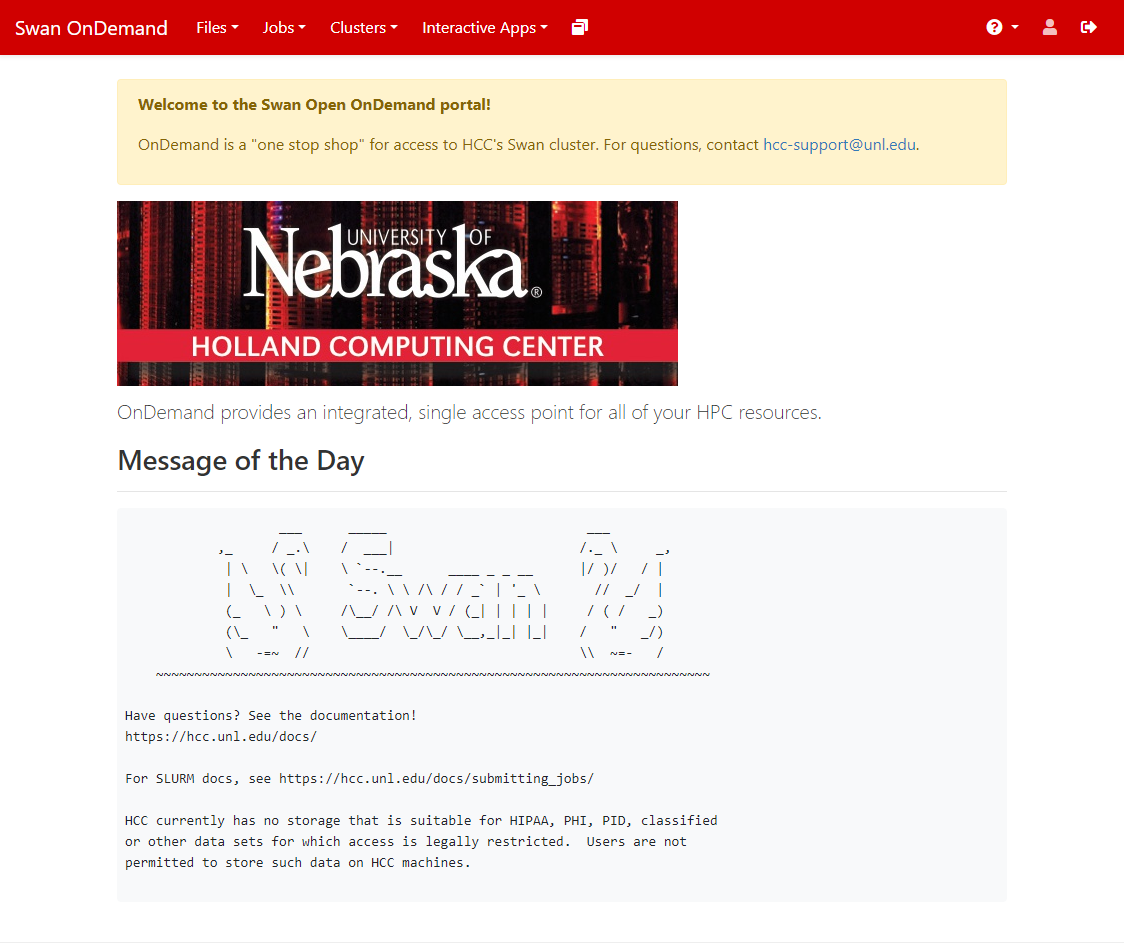
To return to the Dashboard at any point, click on "Swan OnDemand" in the upper left hand corner of the window.